
1. You want to share an image already on the internet.
2. You want to share a screen shot.
1. A) Right click on the image and "copy image URL"
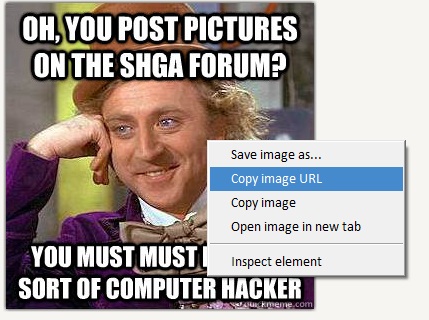
B) Paste it on a a forum page between the image tags. Any URL that ends with an image format like .jpg. Just add the correct brackets on each side.

2. A) Press the "print screen" button on the keyboard.
B) Open the paint program and use edit-> Paste
C) Edit the image and save as a .jpg or similar.
D) Use a image hosting site like imgur.com
E) Use the process above to set the image.
